Free Gold Glam Wedding Photo Booth Template — 2x6 Photo Strip
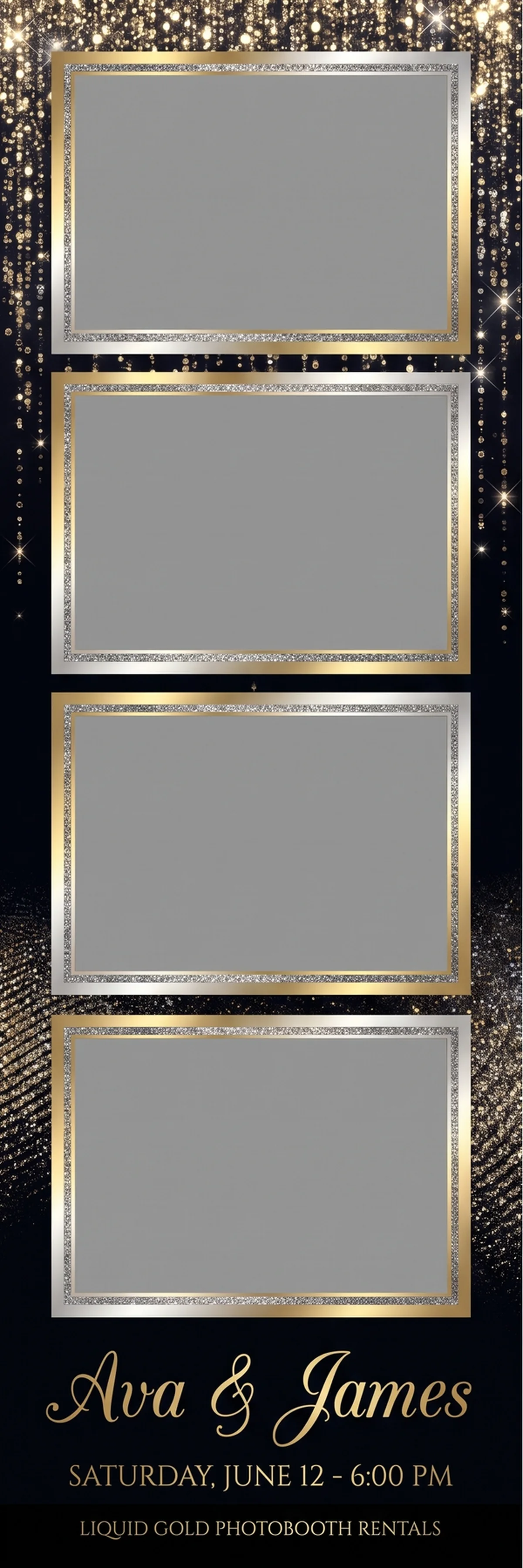
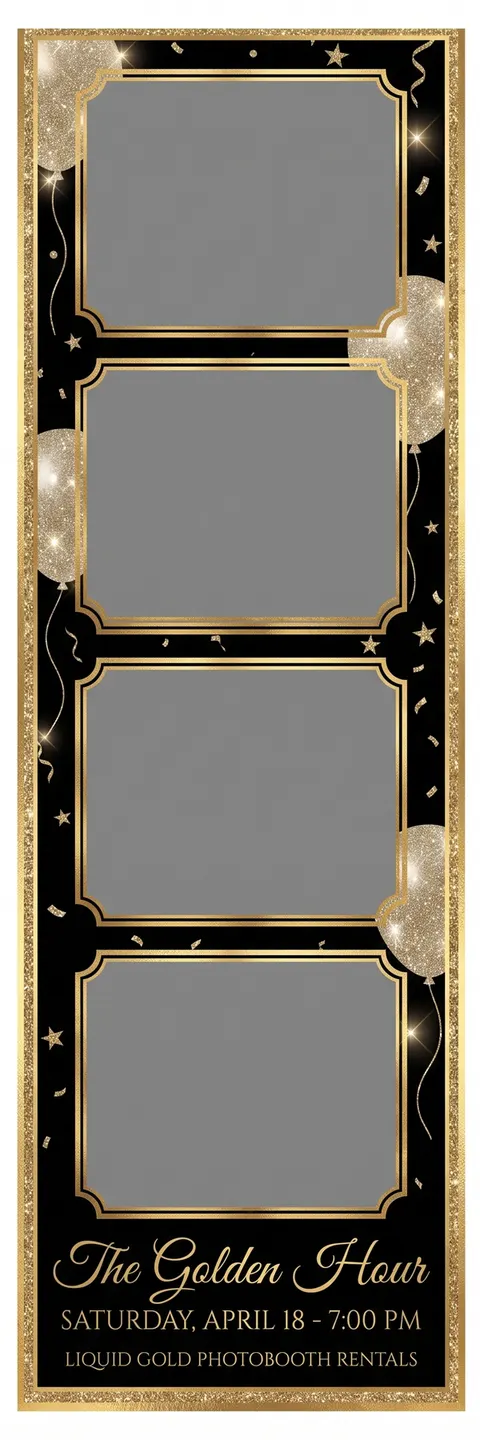
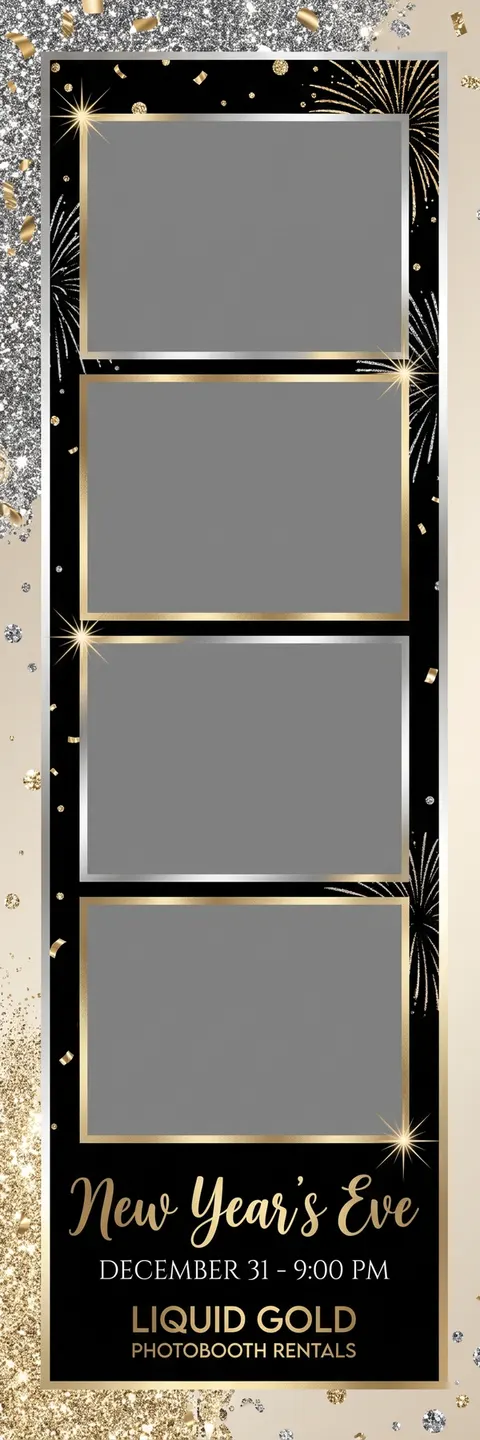
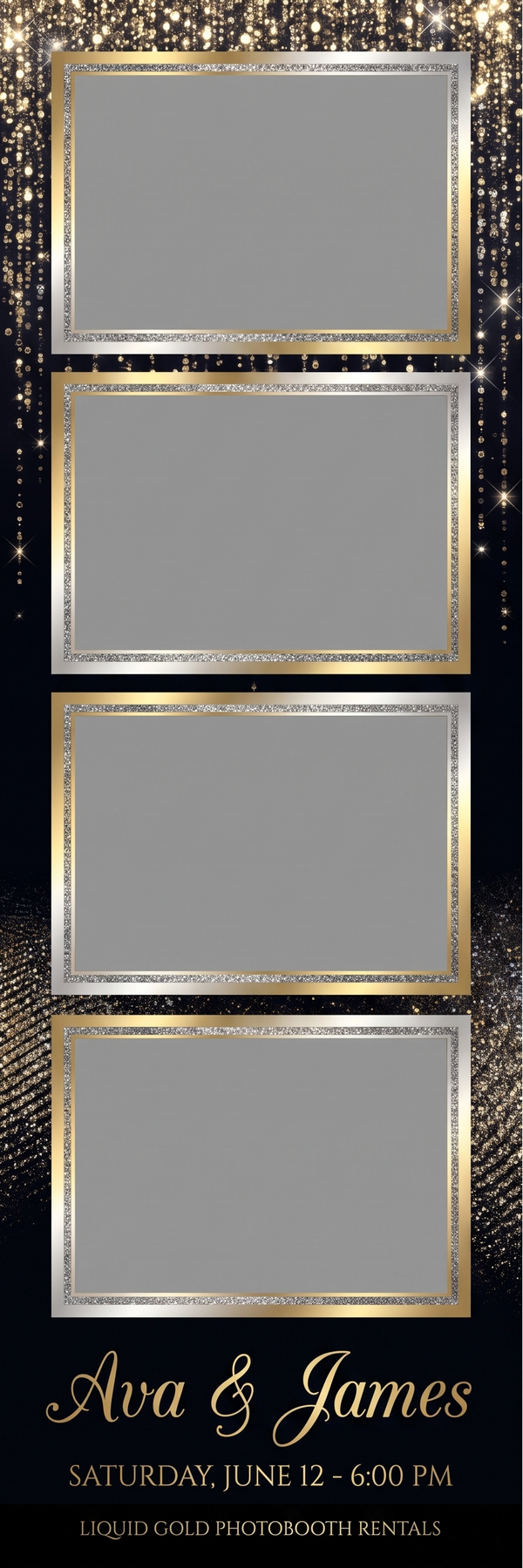
Print-ready wedding template in the gold glam style: glitter, metallic foil sparkle and champagne bokeh, laid out as a booth-ready 2x6 photo strip. The design is 600 x 1800 px at 300 DPI (2x6 in), printed two-up on a 4x6 sheet and cut — the industry-standard 2x6 size for dslrBooth, LumaBooth, Darkroom Booth, Salsa and Touchpix print layouts. Every text line you see is replaceable: create your own version with your names, date and colors, and it comes back QA-checked and print-ready the same minute.
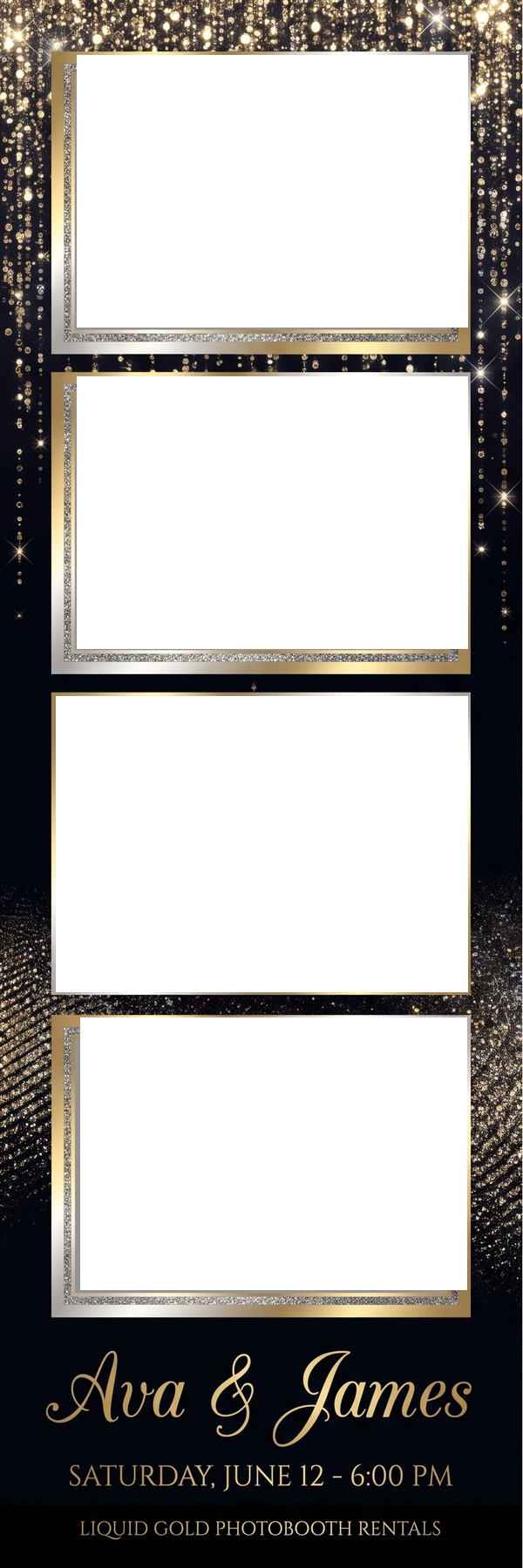
Free downloads are the exact print file (600 x 1800 px, 300 DPI) with sample text — plus a transparent-PNG overlay with the photo windows cut out, ready for your booth app's overlay slot. Customizing swaps in your names, date and colors at no charge.
Print Specs
600 x 1800 px at 300 DPI (2x6 in), printed two-up on a 4x6 sheet and cut. Delivered as print-ready PNG at 300 DPI, photo slots left empty for your booth software.
Works With
Click a booth app for its exact sizes and import steps.
Photo Area Coordinates
Position your photo slots in any booth app's layout editor (Social Booth takes these X,Y values directly):
- Photo area 1: x=84, y=59, 456 x 320 px
- Photo area 2: x=84, y=428, 456 x 320 px
- Photo area 3: x=60, y=795, 480 x 347 px
- Photo area 4: x=88, y=1164, 451 x 320 px
Sizes & Compatibility
What size is this wedding template?
600 x 1800 px at 300 DPI (2x6 in), printed two-up on a 4x6 sheet and cut. The industry-standard 2x6 size for dslrbooth, lumabooth, darkroom booth, salsa and touchpix print layouts.
What size is a photo booth strip?
The standard photo booth strip is 2x6 inches — 600 x 1800 pixels at 300 DPI. Booths print two identical strips side by side on one 4x6 sheet, then cut it.
What size is a 4x6 photo booth template?
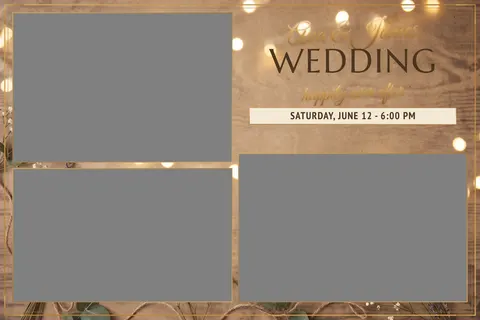
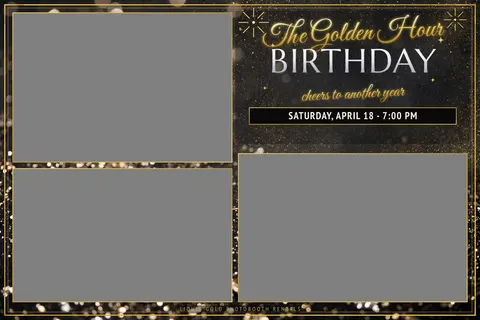
1800 x 1200 pixels at 300 DPI for landscape. That's the exact canvas dslrBooth and LumaBooth expect for 4x6 prints.
What file format do photo booth programs use?
PNG is the safe answer everywhere — use transparent PNG for overlays and flat PNG or JPG for full backgrounds. Snappic caps files at 2MB; Salsa at 10MB.
Can I import a layout file into my booth software?
No mainstream booth software imports third-party layout files — you position photo areas in each app's own editor. Use the photo-area coordinates listed on this page to place your slots in seconds (Social Booth even takes X,Y pixels directly).
What DPI should a photo booth template be?
300 DPI. Every major booth printer workflow (DNP DS40/RX1 class) assumes it.